Dive into your next crafting adventure with this charming Duck Free SVG, perfectly tailored for your Silhouette Cameo machine. This high-quality vector graphic captures the iconic silhouette of a duck, making it an ideal choice for a wide range of DIY projects. Whether you're passionate about nature-themed crafts, creating personalized gifts, or adding a rustic touch to your home decor, this versatile design is ready to inspire. Utilize it for precise cutting on vinyl, paper, fabric, or even for detailed engraving on wood, acrylic, and metal. From custom apparel and unique wall art to charming nursery decorations and pond-themed party favors, this Duck SVG empowers crafters to bring their creative visions to life with professional-grade results. Download today and start crafting beautiful, unique items that quack with personality!
About This Duck Outline Free SVG Design
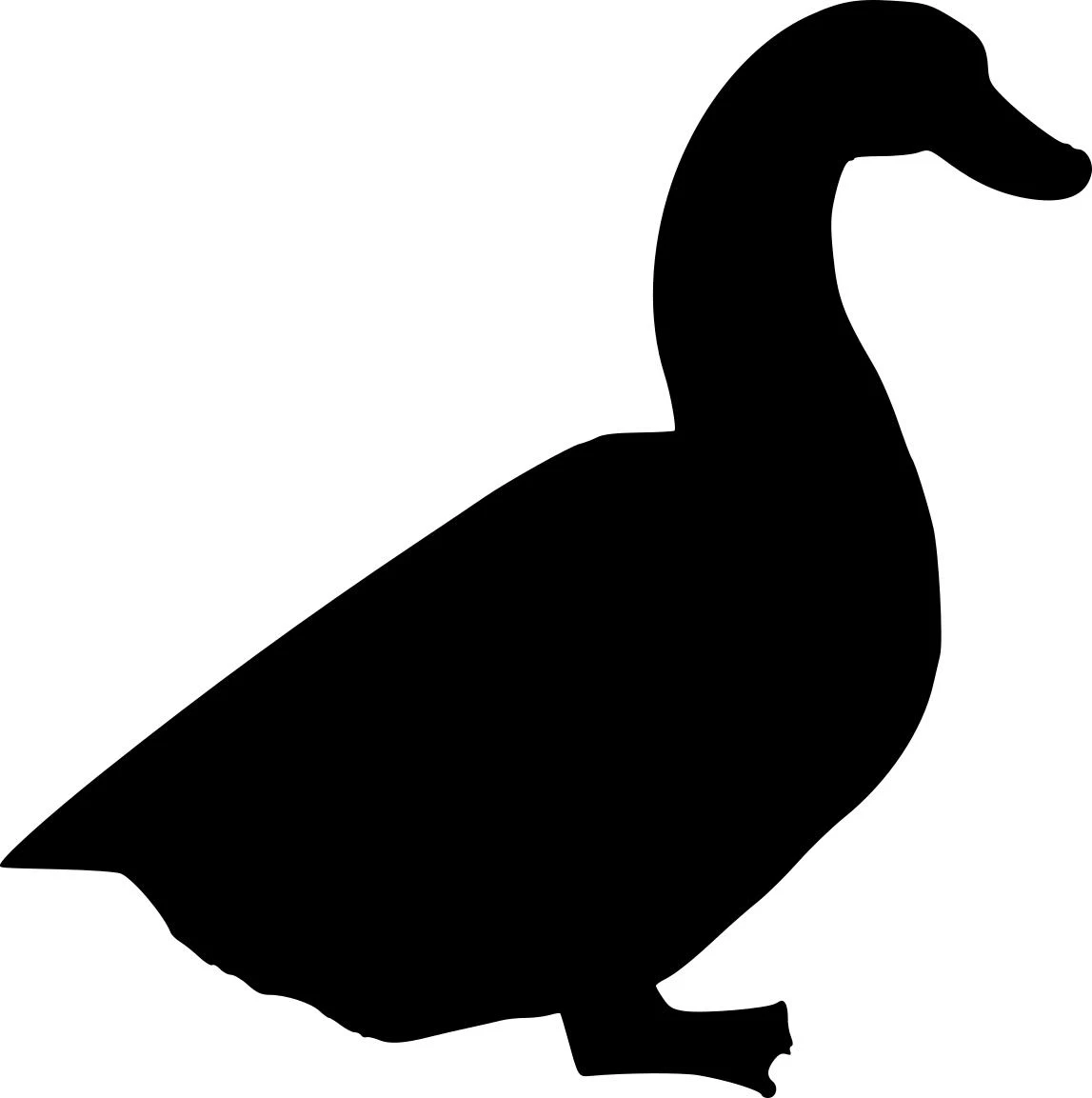
This image displays a clean, solid black silhouette of a duck in a side profile view, set against a stark white background. The duck is depicted standing, with its characteristic long, gracefully curved neck leading to a small head and rounded bill. Its plump body tapers towards the back, and its webbed feet are visible at the base, suggesting a grounded posture. The minimalist design emphasizes the distinct form of the waterfowl.
Design Type: Animals | Style: Realistic | Optimized For: Silhouette Cameo, Laser Engraving, CNC Routing
Key Features
- High-quality Duck SVG with clean vector paths
- Professionally optimized for Silhouette Cameo cutting and engraving
- Infinitely scalable without any quality loss
- Compatible with Cricut, Silhouette, and all cutting software
- Commercial license included for small business use
What's Included in Your Download
You'll receive professional-quality files in multiple formats: SVG, DXF, PNG
- ✓ Cricut Design Space - Fully compatible, import and cut immediately
- ✓ Silhouette Studio - Ready to use with Designer Edition and Business Edition
- ✓ Glowforge App - Optimized for laser cutting and engraving
- ✓ LightBurn / RDWorks - Perfect for CO2 and fiber lasers
- ✓ Fusion 360 / VCarve / Aspire - CNC router compatible
- ✓ Adobe Illustrator / Inkscape / CorelDRAW - Edit and customize as needed
Technical Specifications
- File Type: Vector format (SVG, DXF) for universal compatibility
- Resolution: Infinitely scalable to any size without quality loss
- Optimization: Clean paths, minimal nodes, fast processing speeds
- File Size: Optimized for quick downloads and smooth operation
- Color Mode: Single color outline format ready for cutting and engraving
- Compatibility: Works with all major cutting machines and software
Creative Project Ideas
Get inspired with these ways to use your Duck Outline Free SVG SVG file:
🏠 Home Décor Projects
- Create custom laser-cut wall art for your living room or entryway
- Design rustic wood signs for farmhouse-style décor
- Layer acrylic designs with LED backlighting for dramatic effects
- Engrave glass or mirrors for unique decorative pieces
- Make personalized welcome signs or door hangers
🎁 Gift & Personalization Ideas
- Craft personalized ornaments and keepsakes for holidays
- Design engraved keychains or jewelry for loved ones
- Create wedding favors or anniversary gifts
- Make custom photo frames and memory boxes
- Produce unique handmade gifts for clients and events
💼 Small Business & Resale
- Build an Etsy shop inventory of laser-cut products
- Sell SVG-based items at craft fairs or online stores
- Offer custom commissions and personalization services
- Provide bulk orders for corporate or promotional gifts
- Use designs as templates for workshops and maker classes
How to Use This File
- Download the SVG or DXF file using the buttons below.
- Import into your preferred software (Cricut Design Space, LightBurn, VCarve, etc.).
- Resize as needed — vector files scale perfectly with no quality loss.
- Select your material (wood, metal, acrylic, vinyl, fabric, etc.).
- Adjust machine settings for your material type and thickness.
- Cut, engrave, or etch using your machine’s recommended workflow.
- Finish your project — paint, assemble, or mount as desired!
License & Usage Rights
✓ Personal Use: Create unlimited projects for yourself, family, and friends.
✓ Small Business License: Make and sell physical handmade items (signs, décor, gifts, apparel, etc.). Perfect for Etsy shops, craft fairs, markets, and custom orders.
✗ Not Permitted: Reselling or redistributing the digital file itself, mass production, print-on-demand services, or sublicensing to others.
Download Your Free Files Now
Frequently Asked Questions
A: This Duck Outline Free SVG SVG is compatible with Cricut Design Space, Silhouette Studio, Adobe Illustrator, Inkscape, CorelDRAW, and most cutting machine software. For Silhouette Cameo, you can also use specialized CAM software like LightBurn, RDWorks, VCarve Pro, or Fusion 360.
A: Absolutely! As a vector file, you can scale this Duck Outline Free SVG design to any size - from tiny 1-inch keychains to massive 6-foot wall art - without any loss of quality or detail. The lines stay crisp and smooth at any dimension.
A: This design cuts beautifully on vinyl, cardstock, wood (1/8" to 3/4"), acrylic, leather, fabric, cork, chipboard, and thin metals. For Silhouette Cameo, it's especially ideal for steel, aluminum, stainless steel, brass, copper, and wood up to 1" thick depending on your machine's power.
A: No experience needed! Simply download and import the file into your cutting software - it's ready to use immediately. The design comes pre-optimized with clean paths and proper nodes, so no editing is required unless you want to customize it.
A: Yes! This file includes a small business license. You can create and sell unlimited physical handmade items like cut signs, engraved gifts, décor pieces, t-shirts, and custom products. You cannot resell or redistribute the digital SVG file itself.
Related Designs You'll Love
- Free Flying Dragon SVG Cut File for Cricut & Silhouette Free SVG
- Dragon Path94 Free SVG
- Chevron Stripe Free SVG
- Free SVG Design for Cricut and Silhouette
- Simple Heart Outline Free SVG
- Simple Daisy Flower Free SVG
- Simple Flower Shape Free SVG
- Basic Square Free SVG for Crafting
Tags: #svg#free svg#family#industrial#duck#waterfowl#bird#silhouette#animal#nature#farm#pond